




3DEXPERIENCE CATIA: Fundamentals for V5 Users - Self-Paced Training (Supported)
Choose Options
All classes are taught in English unless otherwise noted.
Course Description
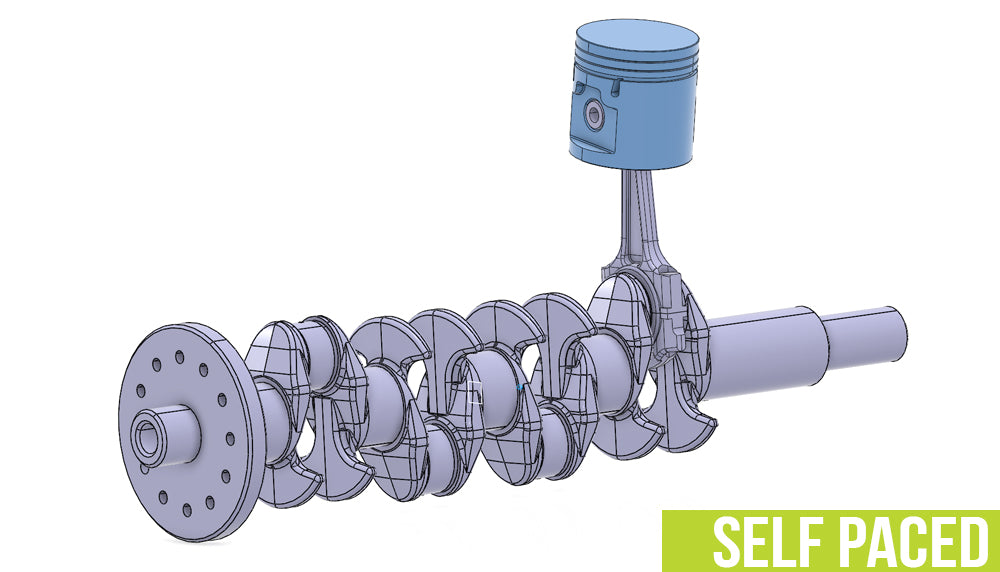
This course will introduce you to CATIA on the 3DEXPERIENCE platform. You will learn how to search for and import existing V5 data. You will learn how to design a new part, insert and position the part in a product, and complete a drawing. You will also learn how to create a new part version, replace the original part and update the product. Finally, you will learn how to manage complex product structures, create product features, manage catalogs and analyze assemblies.
Course Length: 30 days access from the time the course is started.
Instructor Support: Work with our US & Canada-based team of certified instructors. Available Monday-Friday from 7am-7pm CT.
Have questions? Click Here for Training FAQ
Prerequisites: Mechanical Designers familiar with CATIA V5
Topics Covered in This Course:
- Creating New Content
- Creating a New 3D Part
- Creating Engineering Connections
- Calculating the Weight
- Creating a Drawing
- Creating a New Revision
- Master Exercise: Motherboard Assembly
- Managing Product Structure
- Designing In Context
- Working with Large Assemblies
- Creating Assembly Features
- Creating and Using Catalogs
- Analyzing Assemblies
- Master Exercise: Car Front Assembly
Support
GoEngineer's Supported, Self-Paced Training is different from other online training courses. Rather than being on your own to understand the material, students are able to work with our US-based team of Certified SOLIDWORKS Instructors to make sure you understand the material and you're learning the concepts you need to be successful.
Our instructor team is available Monday-Friday from 7am-7pm CT. Call us for on-demand help at 866-731-0091 (toll-free).
